Key Takeaway
Course Kit is a lesson tracking app for both learning and teaching, built to track the sessions you buy and manage the classes you teach.
In This Article
- What is Course Kit in one sentence
- The core concept: one account, two roles
- How to choose between Free, Solo, and Pro
- What you can do with Course Kit
- Four scenarios: which one sounds like you?
- Advantages of Course Kit
- Limitations of Course Kit
- Who it fits and who might skip it
- Pricing and refund policy
- FAQ
- Conclusion: is Course Kit right for you?
What is Course Kit in one sentence
Course Kit helps you track:
- Which courses you bought
- How many sessions you used
- How many sessions remain
- When packages expire
- Each attendance, deduction, and scheduled session
- Total spend and price changes
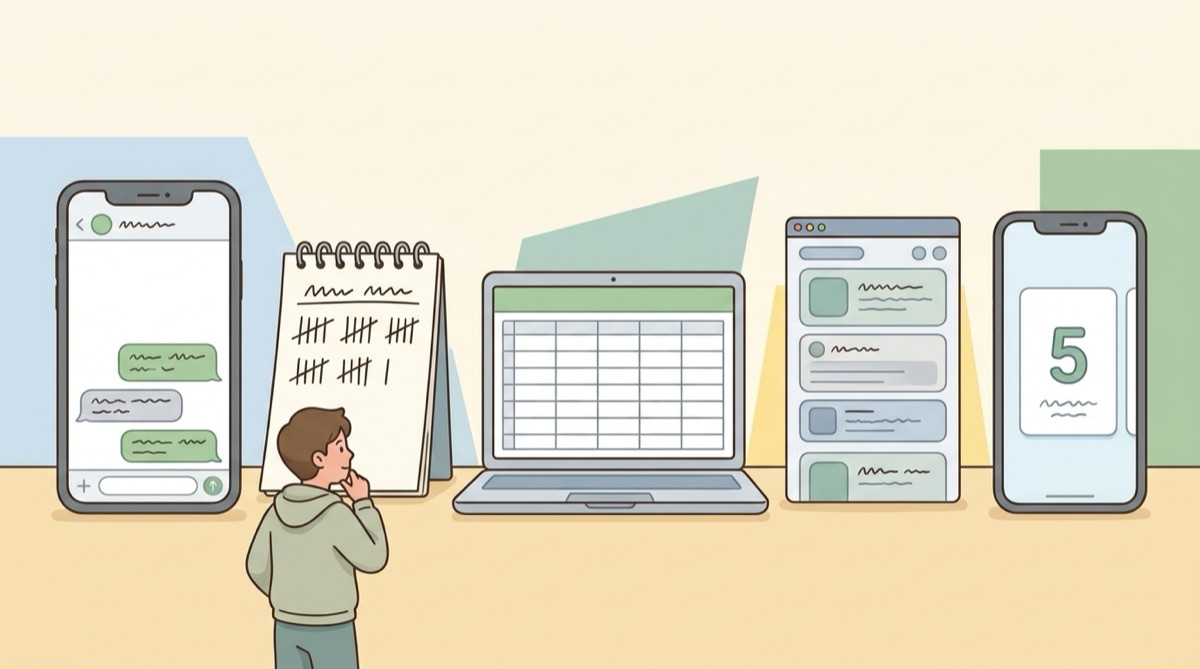
Course Kit runs on iOS and Android, with interfaces in English, Traditional Chinese, and Japanese. Use Self Courses to track classes you buy. Use Collaborate courses when you teach, schedule, or manage students. One account holds both "I take lessons" and "I teach lessons" roles, so you do not need separate accounts or separate tools.
The core concept: one account, two roles
A trainer might coach during the day and take evening classes. A tutor might teach English while learning new teaching methods. An esthetician might run a studio while taking advanced training. Every account supports both roles.
I take lessons: track courses you buy
Use Self Courses to manage classes you buy, such as:
- English lessons
- Fitness coaching
- Music lessons
- Tutoring
- Skincare treatments
- Sports massage
Add a course with its name, category, total sessions, price per session, and expiry date. Log used sessions after each class. Course Kit updates your remaining balance and reminds you before packages expire. If you take multiple courses, you can also view:
- Total course count
- Cumulative sessions bought
- Total spend
- Courses you spend the most on
- Price changes at the same studio or course
You can check your progress anytime:
What did I buy? How many sessions are left? Am I using them on schedule?
I teach lessons: manage courses you teach
Coaches, tutors, and solo practitioners can use Collaborate courses to:
- Create courses
- Invite students
- Schedule single or recurring sessions
- Record attendance
- Deduct used sessions
- Let students view remaining balances
- Let students confirm lesson logs
- Export lesson history
Students see only their own course details, with no need to scroll through past chat messages.
Learning and teaching in one account
One person can learn and teach at the same time.
Use "I take lessons" for courses you buy, and "I teach lessons" for students you manage. Both roles stay separate inside the same account without switching logins.
How to choose between Free, Solo, and Pro
Course Kit has Free, Solo, and Pro plans. The Free plan has no time limit. Solo and Pro are one-time purchases: no subscription, no monthly fees, no auto-renewal. New accounts start with a 14-day full-feature trial.
| Plan | Focus | Price | Best for |
|---|---|---|---|
| Free | Start tracking your lessons | €0 | Beginners with few courses |
| Solo | Full tracking for your own lessons | €24.99 | Learners who want reminders, stats, sync, and export |
| Pro | Manage your learning and teaching together | €65.99 | People who teach and learn and need scheduling, session deductions, and collaboration |
Prices may vary by channel, promotion, or currency exchange. Check the official pricing page before buying.
Free: start tracking without rushing to upgrade
The Free plan includes:
- Up to 100 sessions in Self Courses
- Up to 3 entries in Statistics
- Up to 3 Collaborate courses
- 5 media files per course
- No data export
- No time limit
Your account starts with a 14-day full-feature trial upon first login. It requires no payment details and will not charge you. If you do not upgrade when it ends, your account moves to Free plan limits.
The Free plan fits:
- Occasional students
- People starting their first lesson log
- People with few courses
- Anyone who wants to see if they'll stick with logging
- Users who do not need Excel exports
Solo: full management for your own lessons
Solo is designed for learners who want to organize purchased packages, track spending, and keep complete lesson records. It includes:
- €24.99
- Pay once, no subscription
- Up to 500 sessions in Self Courses
- Up to 100 entries in Statistics
- Cloud sync and course photos for Self Courses
- Lesson reminders and expiry alerts
- Excel data export
- Up to 3 Collaborate courses
Solo fits:
- Regular attendees of fitness, language, music, or aesthetic treatments
- People with an expanding list of courses
- Anyone wanting a full lesson history
- Users needing Excel backups
- People tracking spending trends and price shifts
- Anyone who wants their data to carry over to a new phone
If you mainly track courses you take and plan to keep logging, Solo is the direct upgrade path.
Pro: manage your learning and teaching together
Pro is built for people who teach while taking their own classes. It includes:
- €65.99
- Pay once, no subscription
- Unlimited sessions in Self Courses
- Unlimited entries in Statistics
- Cloud sync
- Up to 100 Collaborate courses
- Batch scheduling and batch deductions
- Renewal reminders and lesson alerts
- Monthly billing report
- Course photos and videos
- Lesson record export
Pro fits:
- Coaches taking continuing education
- Tutors or freelancers learning new skills
- Service providers who also buy training courses
- Anyone needing scheduling, deductions, renewal alerts, and billing reports
Solo covers logging your own lessons. Pro adds tools to run the lessons you teach.
What you can do with Course Kit
1. Track courses you buy
Set total sessions, cost per session, and expiry dates when creating a course. Tap to log used sessions after class. You can also log partial sessions, like 0.5 or 1.5.
2. Check remaining sessions and expiry dates
Course cards show remaining sessions. The app alerts you when credits run low or a package is about to expire, so you no longer need punch cards, receipts, or chat threads.
3. Track spending and price changes
Statistics show:
- Total courses
- Total sessions
- Cumulative spending
- Monthly sessions and monthly spend
- Price changes for the same studio or course
- Spending breakdown by provider and course
This gives a clear picture of the time and money spent across your classes.
4. Create Collaborate courses
Teachers create Collaborate courses and share an invite code or link. The instructor schedules classes, logs attendance, and deducts sessions. Students see remaining counts and recent logs. Deductions enter a pending state until both sides confirm the record.
5. Export course data
Solo, Pro, and trial accounts support Excel export. The Free plan does not include export. If you need regular backups or must share lesson sheets, factor this into your plan choice.
Four scenarios: which one sounds like you?
Scenario 1: multiple classes, hard to track remaining sessions
Different studios track credits differently, from punch cards to chat messages. You can use the Free plan to log total sessions, used sessions, and expiry dates in one place. Upgrade to Solo when you need export, reminders, and deeper stats.
Scenario 2: parents managing classes for kids
Parents managing language, math, music, or sports lessons need to know how many credits remain on each package and when they expire. Self Courses keeps them in one view, saving search time. Start with the Free plan if you have only a few classes.
Scenario 3: coaches taking continuing education
Teaching by day and taking professional courses at night creates two tracking needs. Use Self Courses for classes you buy, and Collaborate courses for client scheduling and deductions. Pro fits this workflow directly.
Scenario 4: service pros who reconcile sessions with clients
Solo providers billing by the session often leave records split across paper, calendars, and text messages. Invite clients into Collaborate courses so both sides view matching numbers. If you take courses yourself, Pro covers both roles.
Advantages of Course Kit
1. Timely reminders instead of searching chat history
Notes buried in chat only help if you remember to look. Course Kit sends reminders based on expiry dates so you can schedule sessions before packages lapse.
2. Automatic updates instead of manual spreadsheets
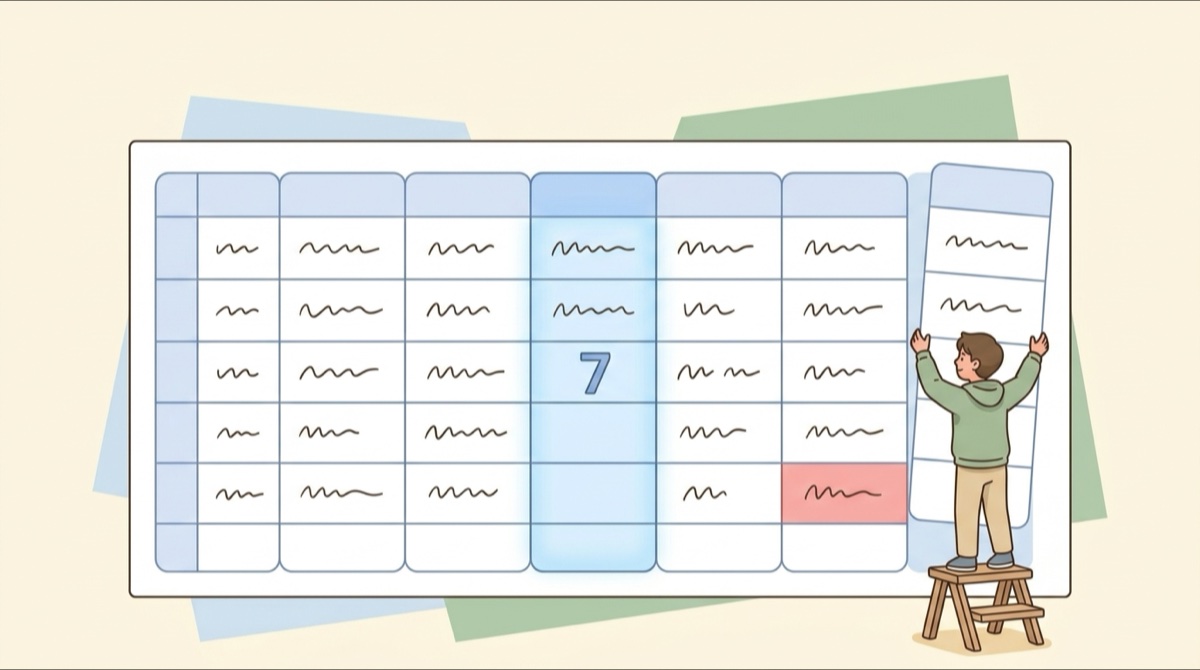
Spreadsheets require manual formula maintenance. Course Kit recalculates remaining counts and balances as soon as you log a session.
3. Trial requires no payment details and no auto-charge
The 14-day full-feature trial starts on login without payment details. If you do not upgrade, the account switches to the Free plan with no unexpected charges.
4. Free plan has no time limit
You can log sessions at your own pace within Free plan limits without feeling pressured to purchase immediately.
5. No need for separate accounts
People who teach while studying can manage both sides within one account.
Limitations of Course Kit
1. Built primarily for iOS and Android
Course Kit is currently an iOS and Android app. If you'd rather work in a desktop browser, it's not a good fit yet.
2. Free plan does not include data export
The Free plan has no time limit, but it omits Excel export. If you need routine data backups or handoffs, look at Solo or Pro.
3. Free and Solo have usage caps
Self Courses limits you to 100 sessions on Free and 500 on Solo. Statistics caps at 3 entries on Free and 100 on Solo. Users with high course volumes should consider Pro for unlimited logging.
4. Pro may be too much for a few personal courses
If you only log your own classes, Pro features like scheduling, deductions, and billing reports are unnecessary. Start with Free or Solo instead.
More features do not always mean a better fit. Base your pick on whether you manage teaching alongside your own learning.
Who it fits and who might skip it
Who Course Kit fits
- People juggling several course packages
- Learners tracking remaining credits and expiry dates
- Anyone tracking course spending across studios
- Users tired of hunting through paper slips and messages
- Anyone needing alerts before sessions expire
- People who want Excel exports of class logs
- Instructors handling student scheduling and credit deductions
- Teachers taking their own continuing education
- Anyone wanting one account for learning and teaching
Who might not need it right now
- Someone taking one short course who doesn't care about expiry dates or remaining sessions
- People who only use web browsers and avoid mobile apps
- Businesses needing complex CRM, accounting, or enterprise tools
- Users needing data export on the free tier
- High-volume users who prefer not to buy Pro
Course Kit focuses on session balances, attendance logs, scheduling, and client collaboration. It does not replace full payment, accounting, or business management software.
Pricing and refund policy
- Free: €0, no time limit
- Solo: €24.99
- Pro: €65.99
Solo and Pro are one-time purchases: no subscription, no monthly fees, no auto-renewal. The 14-day full-feature trial requires no payment info and does not charge automatically.
Refund criteria, scope, and procedures depend on your purchase channel and current store terms. Check the official refund policy for details.
FAQ
Will the 14-day trial charge automatically?
How long can I use the Free plan?
Can the Free plan export to Excel?
Will my records stay safe if I switch phones?
What is the difference between Solo and Pro?
Do students pay to join a Collaborate course?
Conclusion: is Course Kit right for you?
For a few personal classes, the Free plan works well. It has no time limit, letting you build a routine first. If you want reminders, statistics, cloud sync, and Excel export for your own lessons, pick Solo. If you teach while taking classes and need to manage both workflows, Pro is the best fit.
Course Kit is built on a simple idea: the same person can be both a student and a teacher.
You can track your own lessons and manage your students from one account. Start on the Free plan, then pick the upgrade that matches how you learn and teach.
Get started with Course Kit
Download Course Kit, set up your first course, and record your sessions, expiry dates, and attendance.
References
- What to Do When Unused Lessons Expire: The 30/60/90-Day Plan
- How to Calculate a Lesson Payment Plan (Cost Per Session)
- What Is Lesson Credit Management? From Chat Threads to a Dedicated App
- How to Build a Lesson Tracking Spreadsheet

We turn the course-tracking questions people ask us into articles. Course Kit is an app for tracking prepaid session packages, where the manager and the member open it to the same numbers.