Key Takeaway
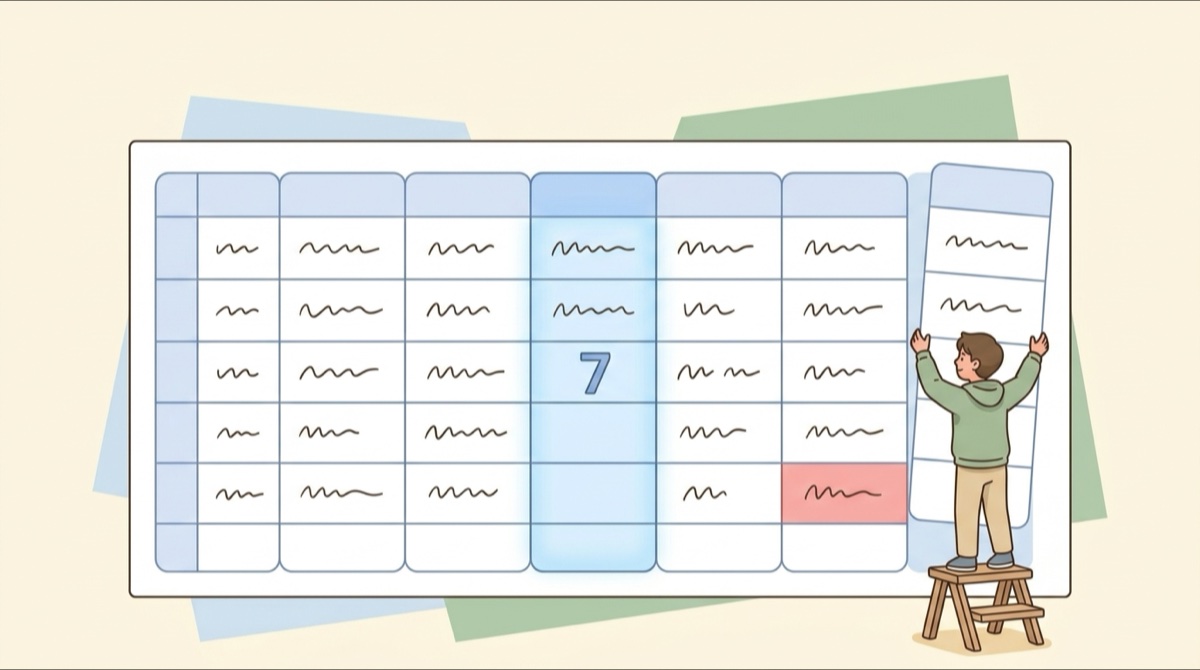
Lesson credit management keeps sessions bought, used, and remaining, plus the expiry date, in one place where both sides see the same numbers.
Pick a tool based on three things: how many packages you hold, how many people need to see them, and whether confirmations leave a trail.
In This Article
Is the last message in the chat where you track sessions from two months ago? Each time you want the balance, you scroll up and count dates. Lesson credit management fixes that: bought, used, and remaining sessions plus the expiry date live in one place, so everyone who checks sees the same numbers.
What is lesson credit management
It covers anything prepaid and used bit by bit: personal training, tutoring, salon packages, massage vouchers, even prepaid coffee.
The math is simple: buy a package, deduct each session, and rebuy at zero. The hard part is that the number often lives only in someone's head, so it isn't there when you need it.
Four rules that throw off session counts
Counts go wrong because there are more rules than you'd think, and each one changes the final number.
-
Buy 10 get 1 free
You paid for 10 sessions, but get 11. It is easy to stop counting at the 10th.
-
Group purchases with separate bookings
Three people sign up together and book separately. Total sessions are pooled, but individual usage must be logged on its own.
-
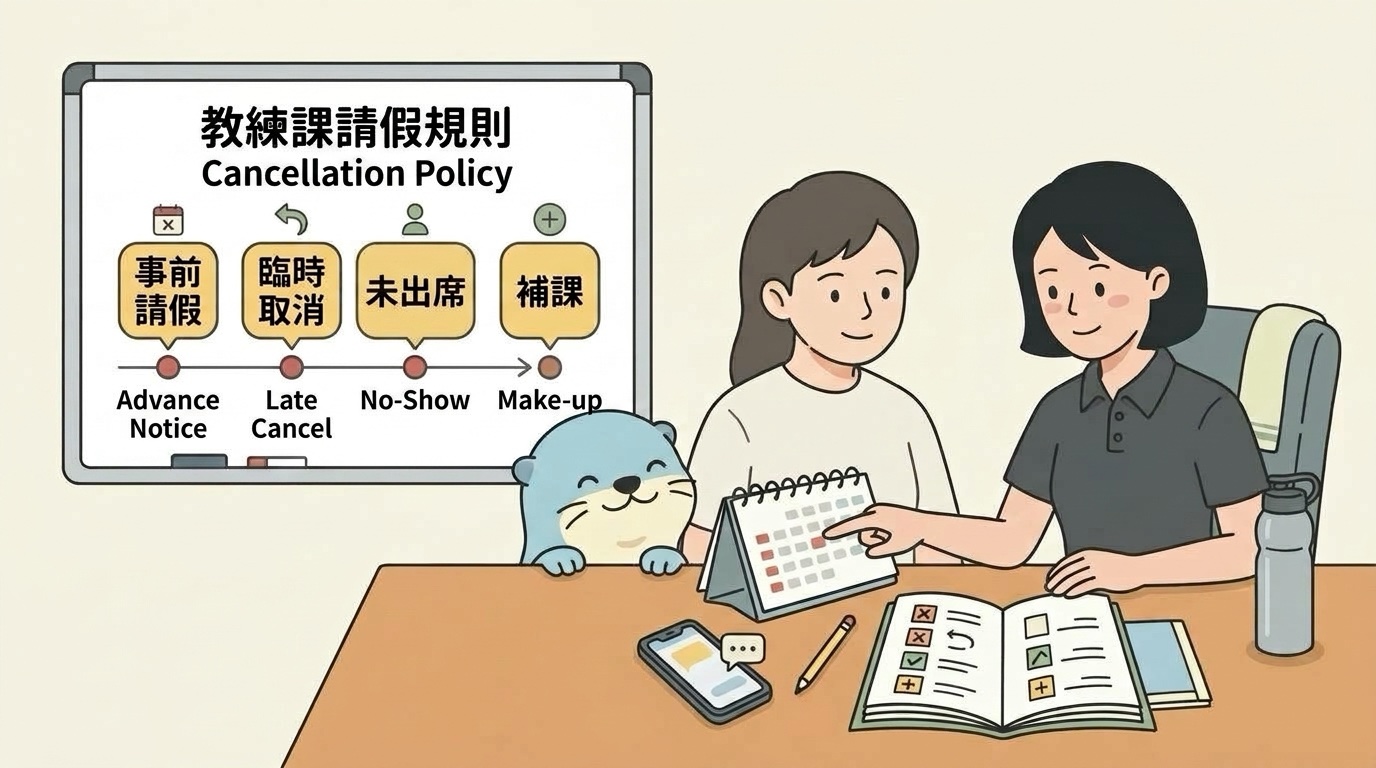
Cancellations and makeups
Does that session count or not? The two sides often end up one session apart, and it's always the same one.
-
Different expiry dates
With two or three packages, each has its own deadline, and which one you use first decides whether any goes to waste.
Stack these four rules, wait three months, and memory slips. Then either you think you have sessions left when you don't, or you get charged for one you didn't use.
The fix is simple: write these rules down in one fixed place you can open anytime, so no one has to rely on memory.
Five ways to track lesson credits: from chat threads to a lesson tracking app
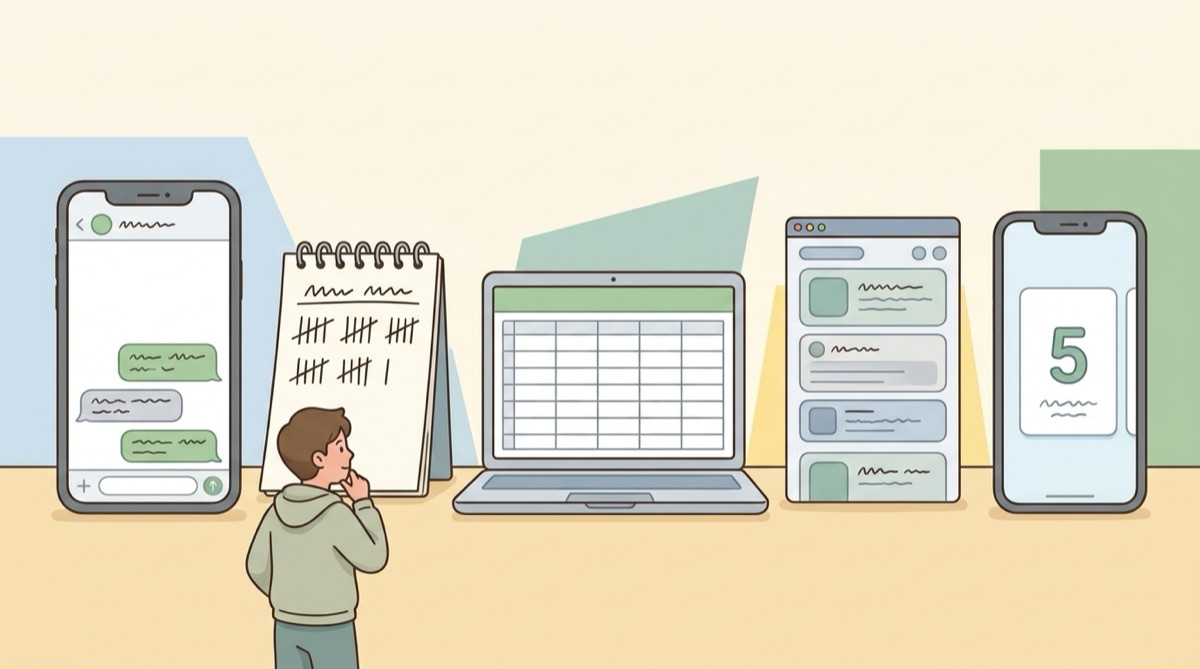
Most people use one of five: a chat thread, a paper notebook, Google Sheets, Notion, or a dedicated app. Side by side, the differences are clear.
| Method | Cost | Setup | Many people | Reminders | In sync | Best for |
|---|---|---|---|---|---|---|
| Chat thread | Free | Lowest | Switching chat windows | None | Count backward manually | 1-on-1, few sessions |
| Paper notebook | One notebook | Low | Flip pages to find people | None | Only one person sees it | Handwritten, in-person checks |
| Google Sheets / Excel | Free (Excel needs license) | Medium; build formulas | One row per person | Build them yourself | Shared link keeps it in sync | People who build spreadsheets |
| Notion | Free plan is enough | Medium to high | Filter and tag | Can set reminders | Others must use Notion | Current Notion users |
| Dedicated app | Free plan available | Low; fill in fields | One package, one set of numbers | Built-in auto reminders | Both see identical counts | Many sessions, shared counts |
Each method works in the right situation, and most have a clear drawback: chat threads have no expiry reminders, paper stays with one person, and spreadsheets or Notion are good at structure but clumsy on a phone. A dedicated app builds in reminders, syncing, and deductions, so it's the least effort day to day. Course Kit is one of these apps.
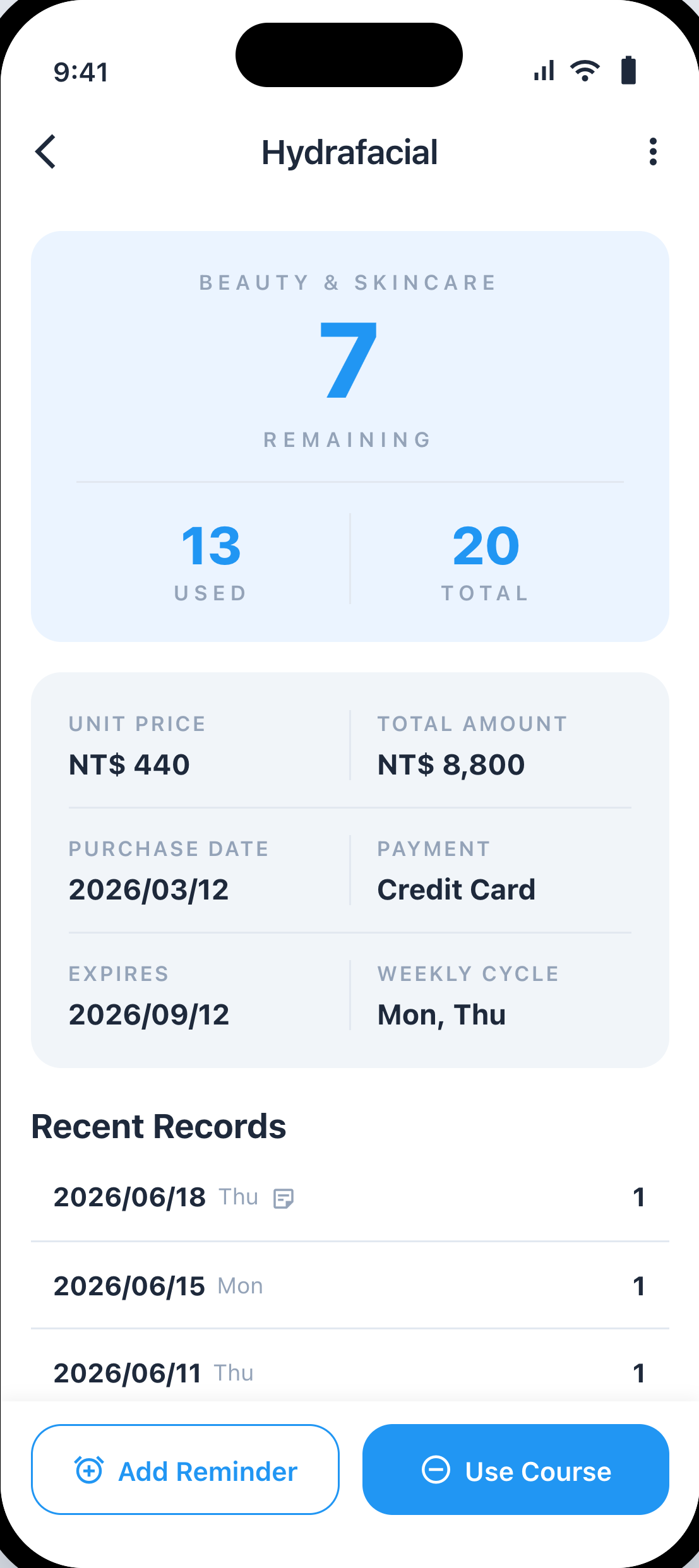
Here is the course detail page in Course Kit: remaining, used, and total sessions sit right at the top, followed by unit price, expiry date, and recent history. You can try the free plan on the App Store and Google Play.
How to design a tracking spreadsheet
Many people start tracking in a spreadsheet. In practice, six columns are enough: person and package, total including bonus, used, remaining, expires, last session. A formula handles remaining, and deadlines change color as they get close.
For column setups and formulas, read How to build a lesson tracking spreadsheet: six columns and two formulas, which includes a ready-to-use template.
One limit to keep in mind: a sheet remembers numbers, not whether the two of you agreed on them. Tracking who confirmed which session, and when, needs a checkbox column you tick by hand, and on busy days it gets skipped.
How to calculate remaining sessions
The formula is straightforward: total including bonus minus used, adjusted for the four rules above. Accuracy depends on where you keep that number, not on the math itself.
Should you switch tools? 3 criteria
Look at three things when choosing.
1. How many packages you hold at once. One or two with plain rules, and a chat thread, notebook, or spreadsheet works. Pick the one you open most. Three or more, or rules like buy 10 get 1 free and group sign-ups, and auto reminders and one-tap deductions start to pay off.
2. How many people need to see the numbers. If it's just you, use whatever's easiest. With a coach, student, or studio on the other side, keep the record where both of you can open it, and opening it is the check.
3. Whether confirmations leave a trail. When you can see who changed an entry on which date, neither side has to rely on memory.
Two or more hits means it is worth switching. With only one, your current setup is fine until sessions pile up or someone else needs to check the numbers.
A 4-step tracking workflow
Every tool follows the same four steps. Miss one, and the numbers drift.
-
Create the record
Log total sessions, unit price, expiry date, and bonus sessions the day you buy, not after the first lesson.
-
Deduct after class
Deduct right after each session. Same day is accurate; by tomorrow you're guessing dates.
-
Confirm together
Show the other person the new entry. This is where the two sets of numbers line up.
-
Review at month-end
Check remaining counts and approaching deadlines at the end of each month. Discuss renewals early, instead of waiting for the final session.
Step three gets skipped most, yet it matters most. When a coach or studio keeps the count alone, the student has to dig through old chats to find dates. Each side keeps its own record, and the numbers stop matching.
Course Kit connects the two steps people miss most: deduct a session in one tap after class, and let both manager and members see the same numbers. More than 300 people use it today.
A Google Play review from January 2026:
Very convenient, bought so many courses, really needed this app to keep track. When using a course, one tap records the remaining sessions, no need to write long notes myself, and it reminds you to use them up before they expire.
Google Play user, Jan 28 2026 (translated from Chinese)
FAQ
Do I need an app for just a few sessions?
What should I do if a count is wrong?
What if the other person does not confirm?
How do I migrate old records from a chat thread or spreadsheet?
How does lesson credit management differ from expense tracking?
Next time someone asks how many sessions are left, hopefully you won't need to scroll back. To set up your own sheet, how to build a lesson tracking spreadsheet has a template with the formulas ready. To see the four steps in action, the free version of Course Kit is on the App Store and Google Play.

We turn the course-tracking questions people ask us into articles. Course Kit is an app for tracking prepaid session packages, where the manager and the member open it to the same numbers.